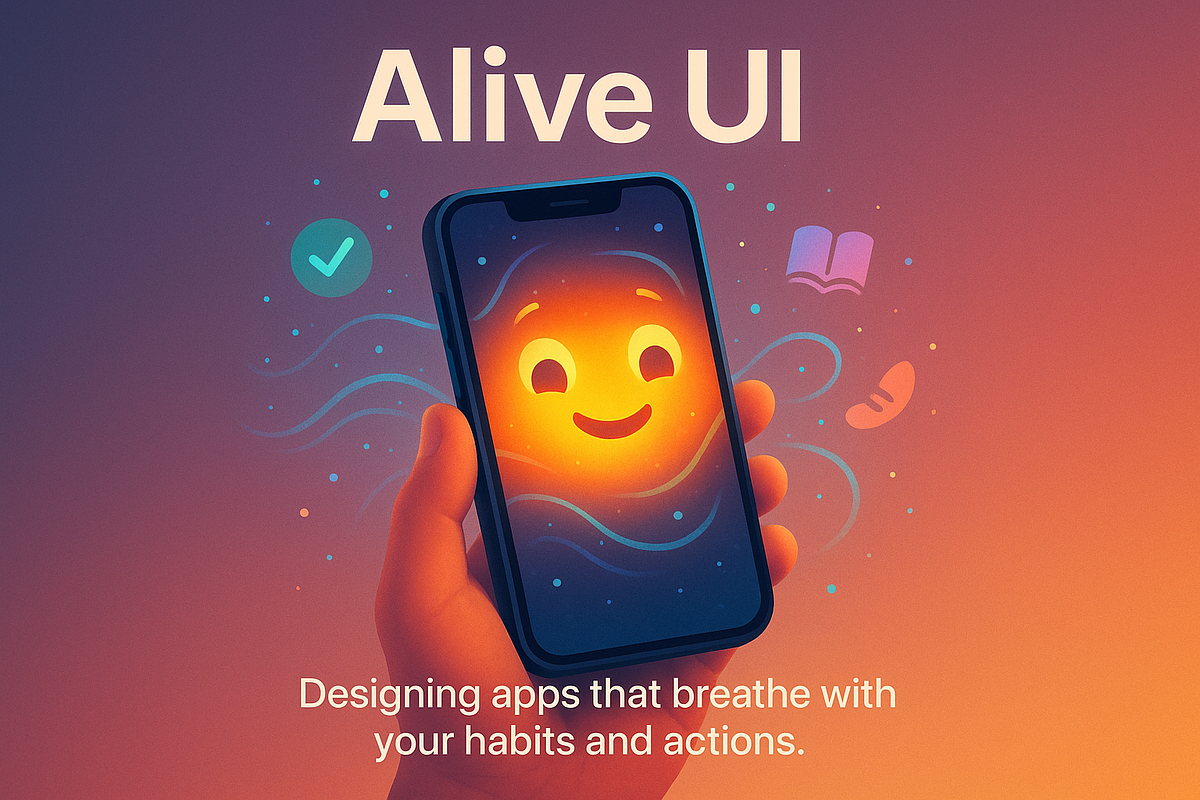
The Importance of Small Details
A digital experience is shaped not only by its overall layout but also by the way it responds to individual actions. A button may change appearance when selected, a menu may expand smoothly, or a status icon may update after a task is completed. These small responses are known as micro-interactions.
Although each interaction may last only a moment, together they influence how understandable and responsive an interface feels. In digital casino-inspired environments, they can help connect visual design with user actions without requiring major animations.
Feedback Makes Actions Understandable
When someone presses a button, the interface should provide a clear indication that the action has been registered. Without feedback, the person may wonder whether the control worked and press it repeatedly.
A simple visual change can prevent this uncertainty. The button might become slightly darker, display a loading indicator, or show a confirmation message after the action is complete.
The response should match what actually happened. An interface should not display a success message while a request is still processing or imply that an action has succeeded when it has failed.
This principle is especially important for interfaces involving account settings, payments, or other consequential actions. In these situations, clarity matters more than decorative animation.
Motion Gives Interfaces Character
Micro-interactions can also establish a visual personality. A gentle fade may feel restrained, while a spring-like movement may communicate a playful style. Small shifts in color, scale, or position can make a screen feel less static.
Consider a digital dashboard with several selectable cards. When a user selects one, a subtle border change and short transition can make the selection feel immediate. The animation helps communicate the state change instead of serving as decoration alone.
Timing should remain appropriate. A response that takes too long can interrupt the task, while an extremely abrupt transition may be difficult to follow. Designers should also respect reduced-motion preferences where possible.
Consistency Creates Trust
Micro-interactions become easier to understand when similar controls behave in similar ways. If one selection uses a fade and another uses an unrelated spinning animation, the interface may feel inconsistent.
A shared motion system can define transition duration, easing, button feedback, and loading behavior. This gives the interface a recognizable rhythm across different screens.
Testing is also essential. An animation that looks smooth on a powerful computer may stutter on a lower-performance phone. Designers should check how interactions work across devices, input methods, and accessibility settings.
Making Responsiveness Meaningful
Small interface responses make digital experiences feel alive when they help users understand what is happening. The goal is not to animate every element, but to provide feedback at the right moment.
When micro-interactions combine clarity, consistent timing, and restrained visual expression, they make an interface easier to use while giving it a distinctive character.


One thought on “How Small Interface Responses Make Digital Experiences Feel Alive”